How to remove an instance
Expiring an instance
To remove an instance from the DBOD service, the first step is to expire the instance. To do this, click the Expire instance button, as shown below:
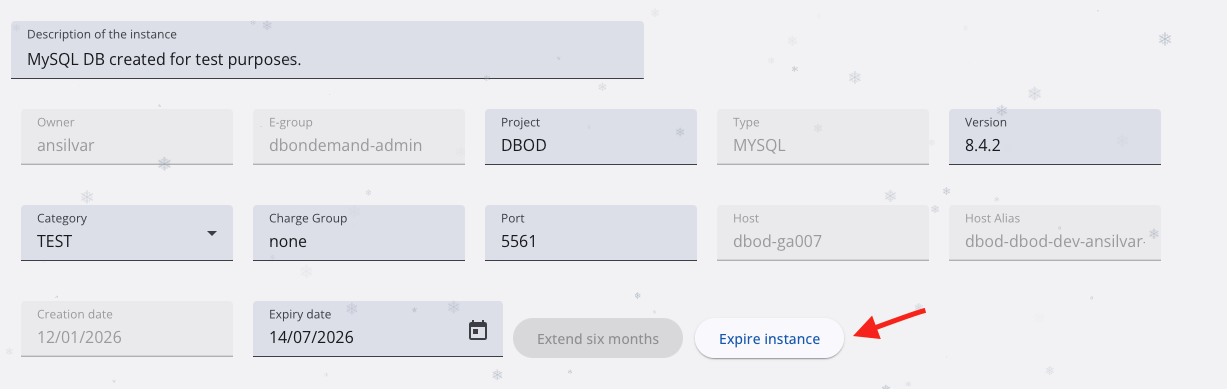
After clicking the button, a confirmation dialog will appear asking you to confirm the action and confirming this step will mark the instance as expired.
An instance in expired state is stopped and hidden from the user in the web interface, but its data is kept for some time. We keep expired instances in the service for 6 months in case we need data to be recovered, after that period of time the instances are destroyed, meaning that its data is no longer recoverable.